

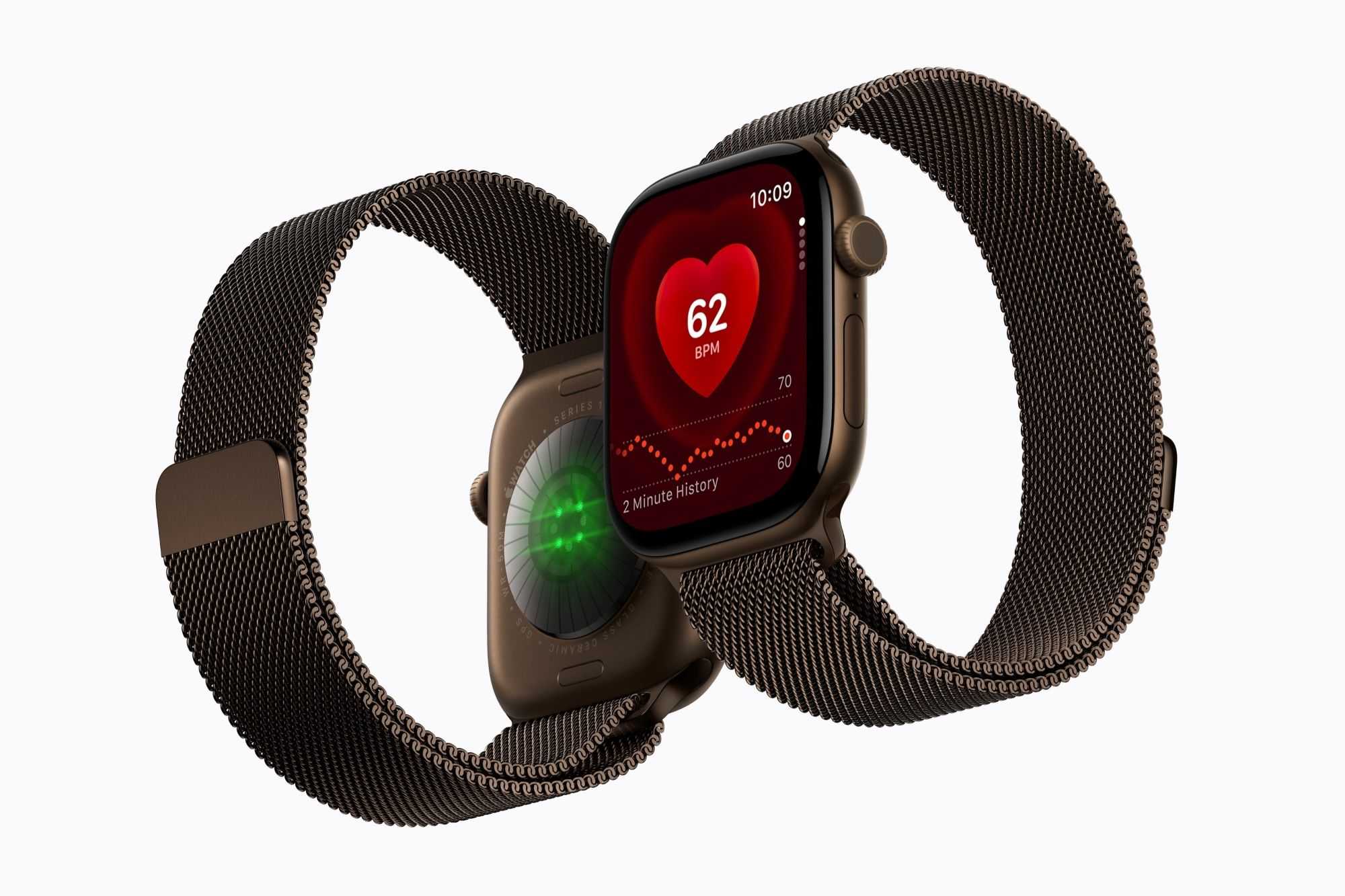
Apple has radically overhauled the fundamentals of health tracking with the new Apple Watch Series 12 and Ultra 4. They have new sensors that are larger and take readings more frequently. During the day, the Series 12 and Ultra 4 measure heart rate every five seconds instead of every five minutes. Heart rate variability is also measured more frequently: every five minutes instead of every two hours.
With this increase in frequency, is battery life affected? We tested how this background activity affects the Apple Watch’s battery life. Do you need to worry about battery life, and should you definitely carry a suitable power bank with you?
To find the answers to these questions, I wore an Apple Watch Series 11 on my left wrist and the Apple Watch Series 12 on my right wrist, and analyzed the data from a seven-hour hike. The first half was spent in power-saving mode, the second half in normal workout mode. After the hike, both watches were left running in the background to measure my heart rate, display notifications, and show the time.
The following day, I exported and analyzed the telemetry data from both watches. WatchOS collects telemetry data at 15-minute intervals–in this test, that means that 60 data points were collected for the day (from 8 a.m. to 11 p.m.). A single day does not allow for any general conclusions about battery consumption, but it can indicate a trend.
Whether in power-saving mode or not, an Apple Watch runs continuously in the background during a workout. Both Apple Watches, Series 11 and 12, consistently recorded 900 seconds of background activity per 15 minutes; the power-saving mode setting had no effect on this. What does switch off, however, is the display. On average, it lights up much less frequently in power-saving mode, thereby conserving battery life.
As the energy capacity of each Apple Watch is known in watt-hours and the Battery system setting displays the percentage of maximum capacity, it is possible to calculate how much energy each Apple Watch can consume per hour and per quarter of an hour.
With the new Apple Watch Series 12, which has a 1.461 watt-hour battery and 100 percent of its maximum capacity, 14.61 milliwatt-hours of energy are consumed for every one percent of battery charge. With our Apple Watch Series 11, which has a 1.403 watt-hour battery and 98 percent of its maximum capacity, 13.74 milliwatt-hours are consumed per one percent of the battery charge.
The overall power consumption chart clearly shows that the two Apple Watches are on a par in power-saving mode. Background activities on both watches are running at full speed, while the display brightness is reduced to a minimum. It is only after power-saving mode is switched off that battery consumption increases on the Apple Watch Series 11. This is because, during that period, it was the actively paired watch and therefore had to deliver notifications and push alerts from the iPhone. The Series 12 was unpaired from the iPhone and did not have to perform these tasks.
It is also interesting to look at the period after the workout. This is the point that Apple particularly emphasised during the keynote: the Apple Watch Series 12 and Ultra 4 measure health data significantly more frequently throughout the day. Between 5:30 p.m. and 11 p.m., the Apple Watch Series 11 recorded 4,222 seconds (70 minutes) of background activity, while the Series 12 recorded 4,883 seconds (81 minutes) of background activity. On average, therefore, the Series 11 is active in the background for 13 minutes per hour, while the Series 12 is active for 15 minutes per hour.
Despite the longer period of background activity, the energy consumption of the two smartwatches differs only slightly. During this period, our Series 11 consumed around 0.248 Wh, while the Series 12 consumed around 0.190 Wh; this difference can be explained by slightly more intensive use of the display on the Apple Watch Series 11.
Even with the more frequent background monitoring of health data, there is no need to worry about the battery life of the Apple Watch Series 12 and Ultra 4. The system is designed to be energy-efficient, so the more intensive heart rate monitoring does not result in increased energy consumption. You can confidently make the most of the Apple Watch’s new health features and look for power-hungry components in other areas, such as the display.
Read our full Apple Watch Series 12 (42mm) review


